
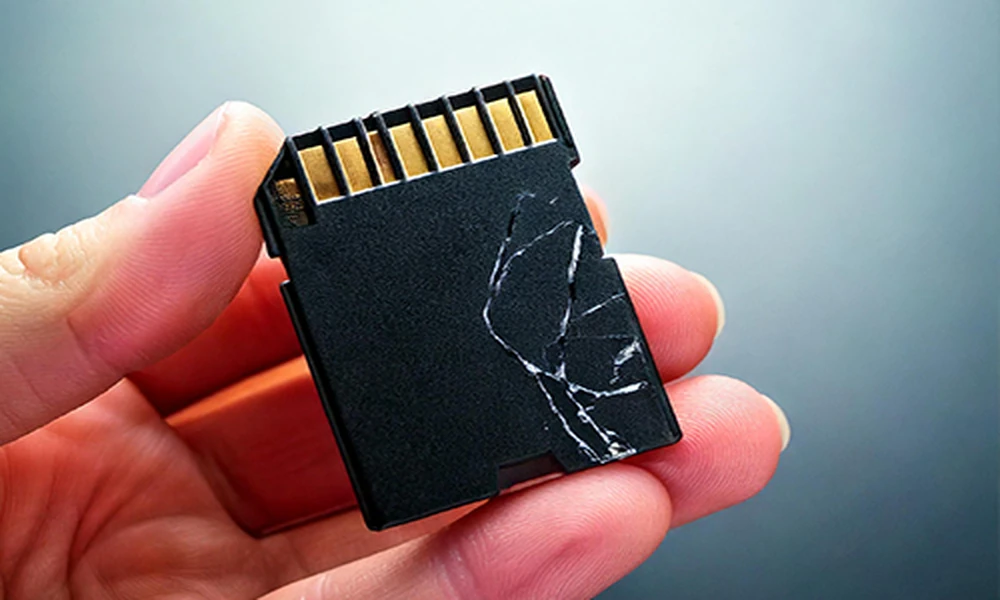

Do you want to format an SD card to make it ready for use? Once the process is done, your phone, camera, or PC will show the card as empty. You will no longer be able to access your files. If those files are not essential, reusing the card is simple. But, what will you do if you have formatted the card mistakenly? It leads to the loss of important files from your drive.
What does formatting do?
Formatting is a process of creating or rebuilding the file system’s structure, which enables the device to access the SD card’s data. After formatting, the SD card appears empty because it does not have the previous file structure. However, formatting may not always mean that every piece of previous data has been irreversibly destroyed. The result depends on multiple factors, such as the chosen file system, the formatting type, and the SD card’s condition. So, although the card seems to be empty, it needs your attention. Using a reliable SD card recovery application, you will be able to restore your files.
Drecov is a reliable software that comes with exclusive features. It is compatible with Windows devices and helps you recover various types of files.
Tips that you must know before reusing the formatted SD Card
You have to check a few tips before reusing the card.
Do not store new files–
If the SD card contained files, videos, or images before formatting, do not start using it after formatting. This step will help you recover the old files using innovative software.
Check backups first
Backups of the lost files will make the recovery process easier. For instance, you might have stored copies of your files on a smartphone, cloud storage, and an external HDD. Access those backups and have those files recovered with a few clicks.
Conclusion
Although the formatted SD card looks empty, it does not indicate that you have permanently lost your data. Using reliable software, you may recover the data from the card. Choose a user-friendly application for SD card file recovery.